Slabserif

VNI Times Font

VNI Times Font is an amazing typeface that was initially created by HungLan. This classy typeface Belongs to the Slab Serif Typeface.

Free for Personal Use TTF, OTF Slabserif
Updated February 2020 56 KB
VNI Times Font

About This Font

VNI Times Font is an amazing typeface that was initially created by HungLan. This classy typeface Belongs to the Slab Serif Typeface. This awesome typeface is perfect for Windows and MAC. Frequently, this typeface is used for windows 10. This classic font is available in 6 unique Glyphs and special styles. It has keen and clean features, that make it popular for different designs.

This stunning typeface also supports different languages. You can use it for various plans. This typeface has shorts ascenders and a tall X- Height. Because of its ascenders and soft look, VNI Times Font is used all over the world. Its large X-height makes it stand out from all other typefaces.

Its generator tool is best for a lot of interesting designs like graphic-type designs. You need to download this typeface and used it in your projects. If you want to get success in your plans, then used VNI Font for all of your tasks.

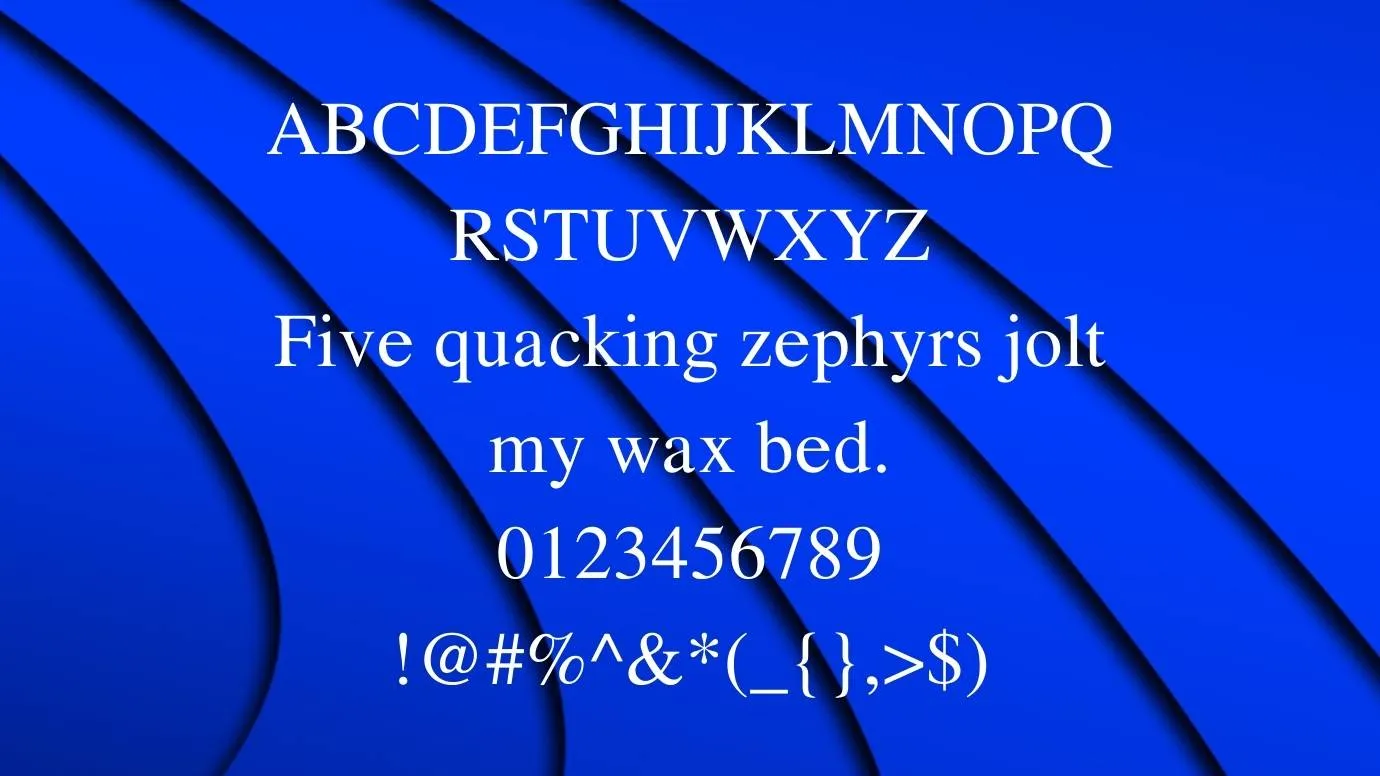
Preview Image

VNI Times Font preview 1

Tip: Use the generator below to test your own text with this font.

Font Details

License
Free for Personal Use
Formats
TTF, OTF, ZIP
File Size
56 KB
Category
Slabserif
Keywords
VNI Times Font
Updated
February 2020

How to Install

1

Download the font file by clicking the download button above. You'll get a ZIP archive.

2

Extract the ZIP file to find the .ttf or .otf font file inside.

3

Double-click the font file. Your system's font viewer will open with a preview.

4

Click "Install Font" (macOS) or "Install" (Windows) to add it to your system.

5

Open your app (Photoshop, Canva, Word, etc.) and select the font from the font list. Enjoy!

Preview & Generator

48px
0px
Effects
VNI Times Font