3 of 9 Barcode Font
We are going to introduce 3 of 9 Barcode Font that comes in the dingbtas font family. This font has TTF formats.
About This Font
Here, We are going to represent 3 of 9 Barcode Font that has bold and light weights. This font is perfect for making barcodes that are used for scanning. Due to its amazing and helpful features, it is used for many applications for different design purposes. The TTF format of this font is available for use. Paul Andre LeBlanc is the designer of this modern-look font.
This texture has bold and curved corners that's why it is suitable for bold title purposes. Many designers pick this font for different barcodes of brand products, food products, and related purposes. It comes in the dingbats' category in the font family and this font has 238 unique characters.
This font has an accessible online generator tool facility that converts any simple text into stylish barcode style and is similar to this font. The designer can easily make it pair with barstrip ultra condensed font for use in different unique design purposes and advanced projects of barcode designs.
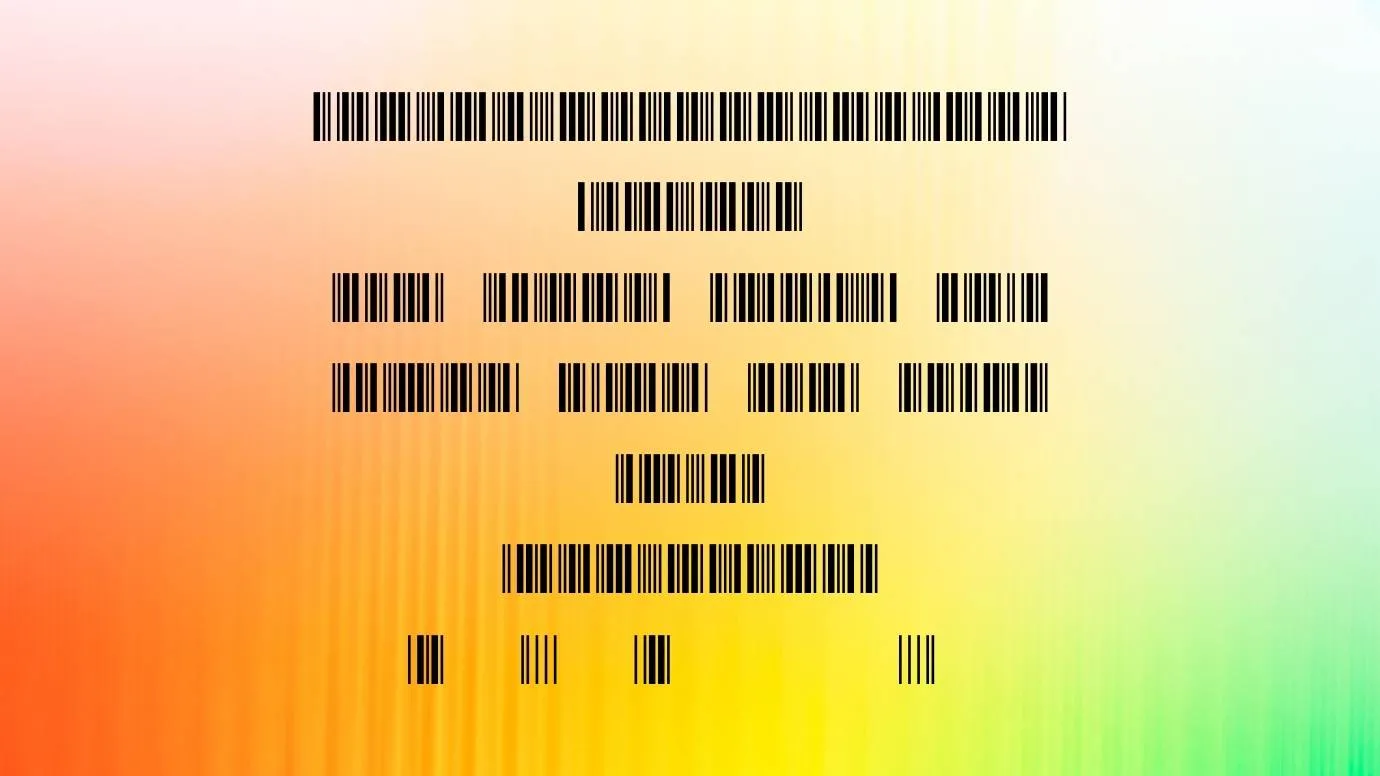
Preview Image
Tip: Use the generator below to test your own text with this font.
Font Details
- License
- Free for Personal Use
- Formats
- TTF, OTF, ZIP
- File Size
- 8 KB
- Category
- Dingbats
- Keywords
- 3 of 9 Barcode Font
- Updated
- January 2023
How to Install
Download the font file by clicking the download button above. You'll get a ZIP archive.
Extract the ZIP file to find the .ttf or .otf font file inside.
Double-click the font file. Your system's font viewer will open with a preview.
Click "Install Font" (macOS) or "Install" (Windows) to add it to your system.
Open your app (Photoshop, Canva, Word, etc.) and select the font from the font list. Enjoy!