Sans-serif

Flama Font

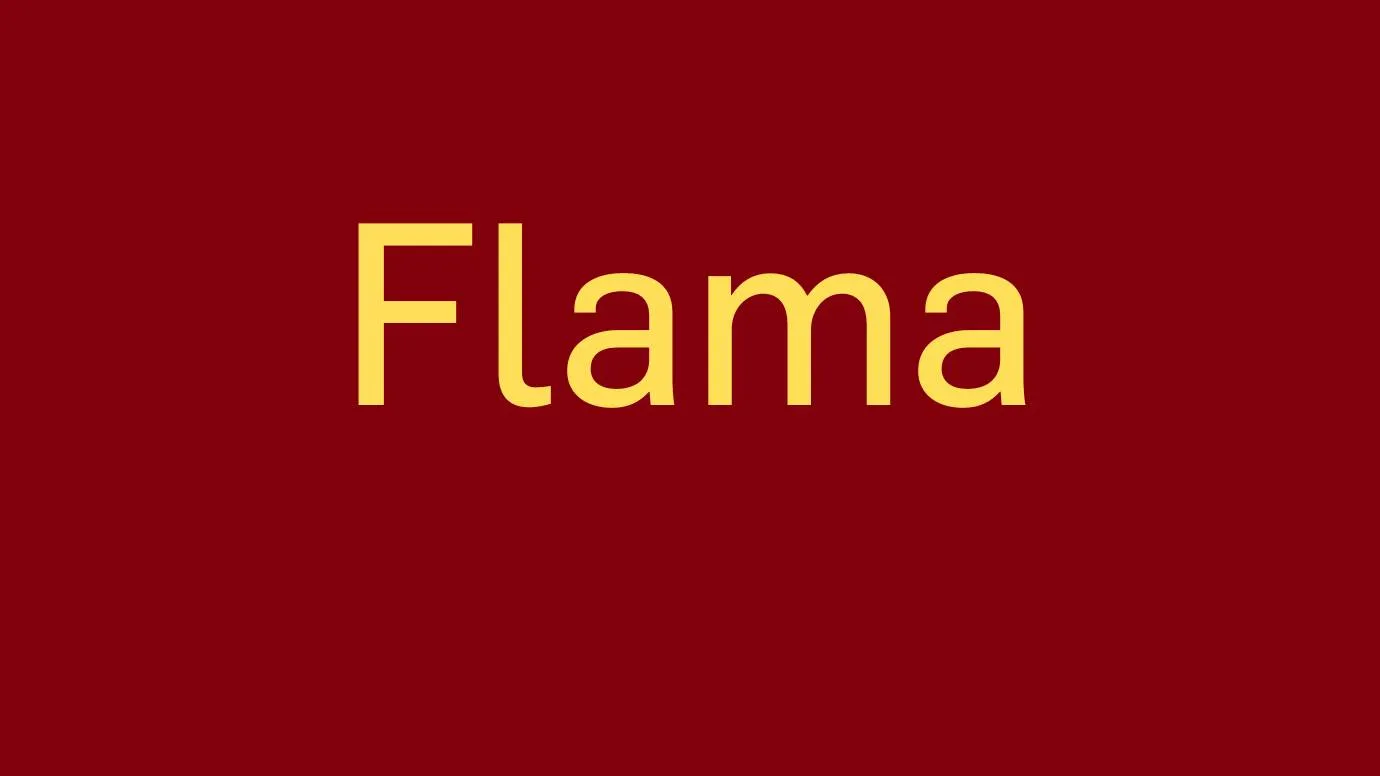
Here, We are consulting a new typeface known as Flama Font. It belongs to the Sans-serif typeface. It was designed by Mr. Mario Feliciano.

Free for Personal Use TTF, OTF Sans-serif
Updated September 2020 102 KB
Flama Font

About This Font

Flama belongs to the modern Sans-serif typeface. This attractive typeface was designed by Mr. Mario Feliciano. It comes in 7 stylish weights and more than 249 unique and bold glyphs with 1000 units/em. In 2006, this typeface was released for the first time. This typeface has a fantastic and elegant look that's why it is good for pairing with Rajdhani Font and Toyota Font.

This beautiful typeface is best for creating short and long paragraphs due to its smooth size and delicious look. So according to your demand, you can use this typeface anywhere. You can also share this font with your friends because they can use the quality advantages of this typeface and create astonishing designs look.

Preview Image

Flama Font preview 1

Tip: Use the generator below to test your own text with this font.

Font Details

License
Free for Personal Use
Formats
TTF, OTF, ZIP
File Size
102 KB
Category
Sans-serif
Keywords
Flama Font
Updated
September 2020

How to Install

1

Download the font file by clicking the download button above. You'll get a ZIP archive.

2

Extract the ZIP file to find the .ttf or .otf font file inside.

3

Double-click the font file. Your system's font viewer will open with a preview.

4

Click "Install Font" (macOS) or "Install" (Windows) to add it to your system.

5

Open your app (Photoshop, Canva, Word, etc.) and select the font from the font list. Enjoy!

Preview & Generator

48px
0px
Effects
Flama Font