Sans-serif

Cascadia Code Font

Let's introduce a new sans-serif typeface that is named Cascadia Code Font. A brand new Monospaced that was designed by Aaron Bell

Free for Personal Use TTF, OTF Sans-serif
Updated October 2021 71 KB
Cascadia Code Font

About This Font

Cascadiais a a new sans-serif typeface that is named Cascadia Code Font. A brand new Monospaced that was designed by Aaron Bell and was shared by Microsoft to the public. It provides a new experience for code editors and to the command line. It was created in May 2019 in Microsoft's Build event and created hand-in-hand with the latest Windows Terminal Programs.

This is a highly recommended font for using with some terminal applications of Microsoft and text editors like Microsoft Visual Studio Code. It is supported many Programming ligatures that are perfect for creating new glyphs by combining characters and it will help to make code more easily readable and user-friendly. Bebas Kai Font is the closest font to this typeface.

Preview Image

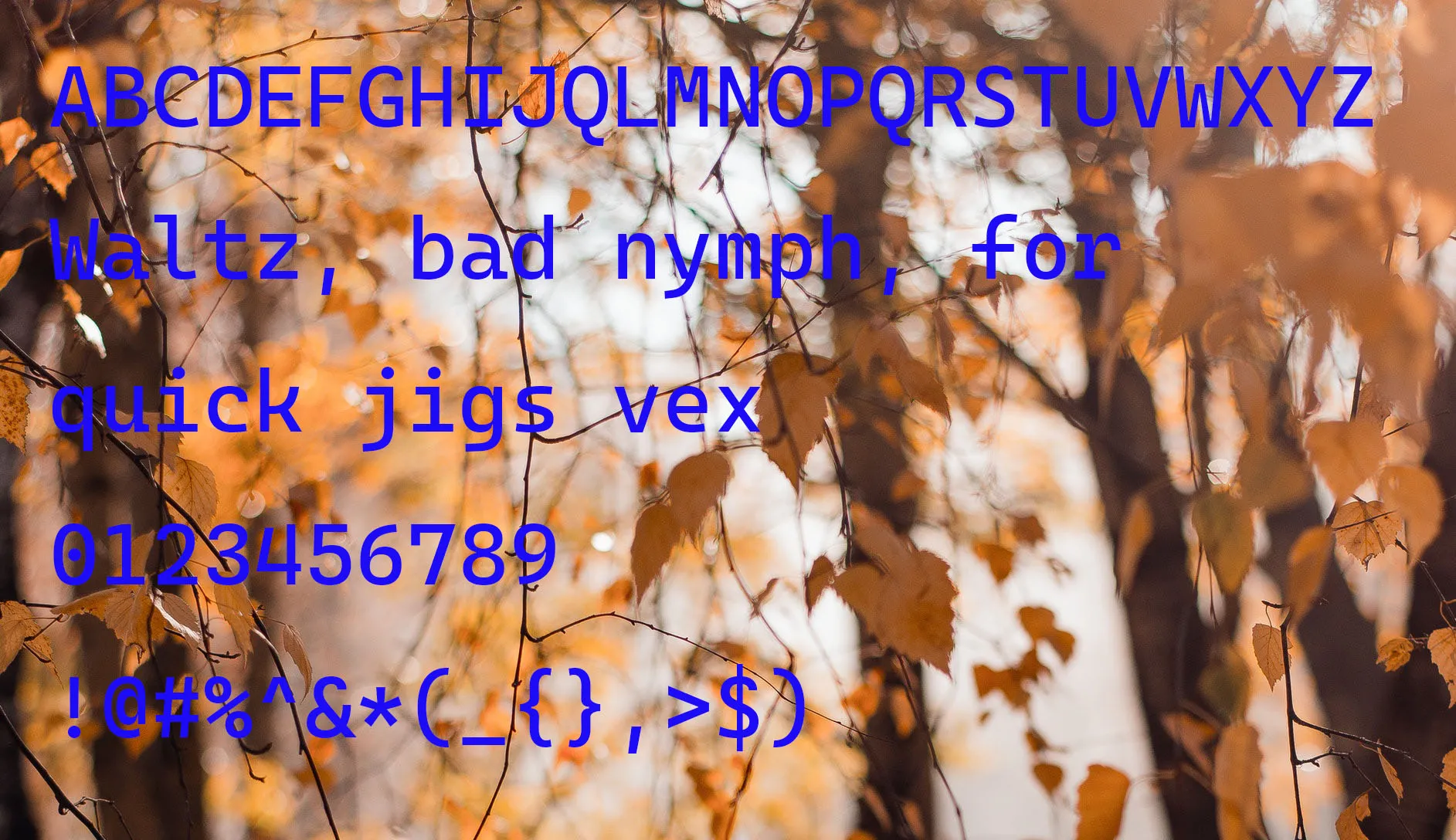
Cascadia Code Font preview 1

Tip: Use the generator below to test your own text with this font.

Font Details

License
Free for Personal Use
Formats
TTF, OTF, ZIP
File Size
71 KB
Category
Sans-serif
Keywords
Cascadia Code Font
Updated
October 2021

How to Install

1

Download the font file by clicking the download button above. You'll get a ZIP archive.

2

Extract the ZIP file to find the .ttf or .otf font file inside.

3

Double-click the font file. Your system's font viewer will open with a preview.

4

Click "Install Font" (macOS) or "Install" (Windows) to add it to your system.

5

Open your app (Photoshop, Canva, Word, etc.) and select the font from the font list. Enjoy!

Preview & Generator

48px
0px
Effects
Cascadia Code Font